Registro e Acesso
No ENSPACE, o registro de usuários ao workspace acontece de forma controlada, exclusivamente a partir de convites enviados por administradores.
Além disso, todo login é protegido por processos de autenticação seguros que garantem que apenas pessoas autorizadas tenham acesso às informações.
Como funciona o registro
O registro de usuários é feito exclusivamente por convite:
- Um administrador envia um convite para o e-mail do novo usuário.
- O usuário recebe um link e, ao clicar, é direcionado para a página de cadastro.
- Ele preenche suas informações pessoais e cria uma senha segura.
- Ao finalizar, o usuário é cadastrado como um membro do workspace.
Observações importantes:
- Apenas administradores podem convidar novos membros.
- Convites têm validade limitada (15 dias) e expiram caso não sejam utilizados a tempo.
- Enquanto o convite não for aceito, o usuário aparece na lista de membros com o status Pendente, e o administrador pode revogar o convite a qualquer momento.
Como funciona o acesso
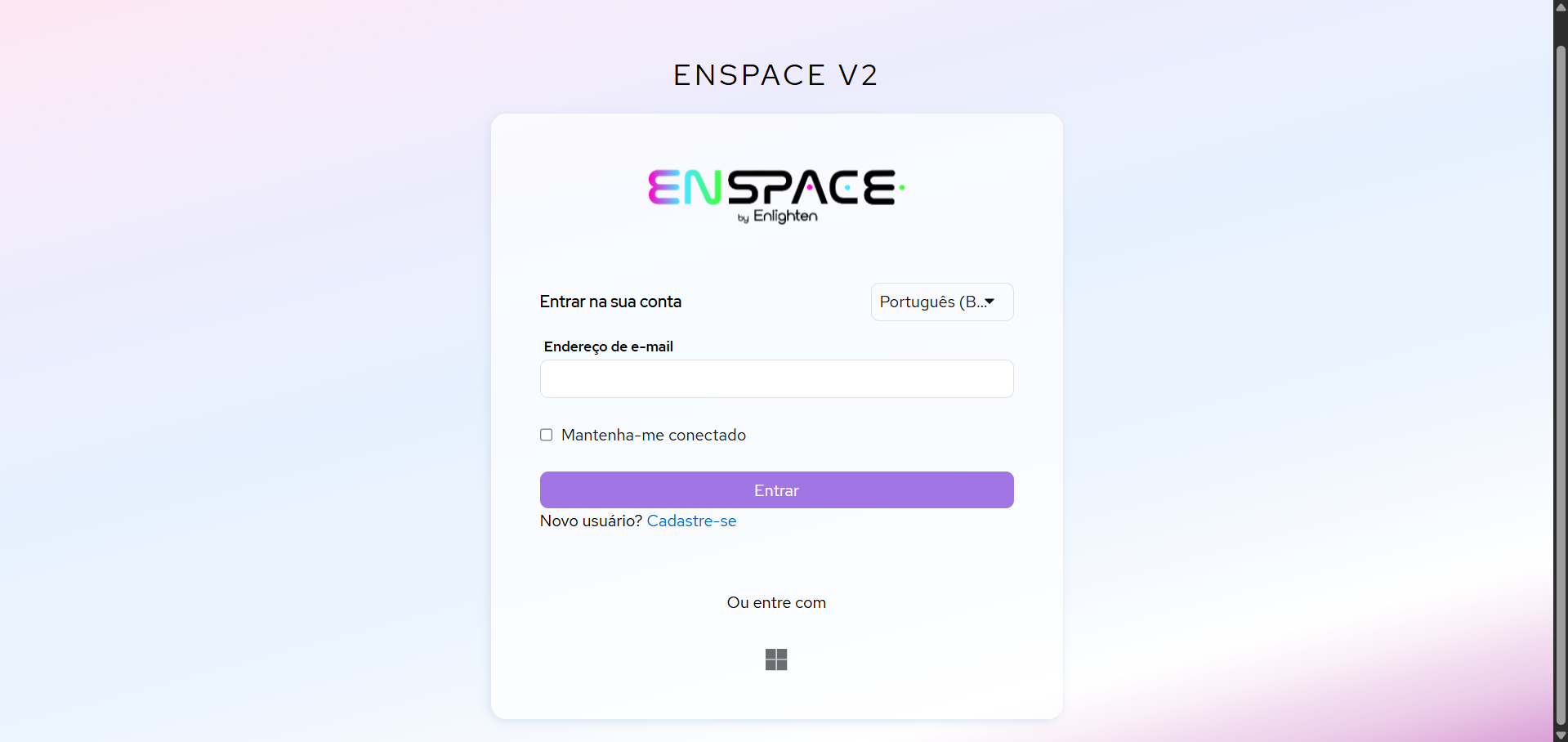
Depois de registrado como membro de um workspace, você pode acessar o ENSPACE por um dos seguintes métodos:
- E-mail e senha: método tradicional, utilizando e-mail e senha definidos pelo usuário no momento do registro.
- Login corporativo (SSO): se o workspace estiver integrado a um provedor de identidade (como Google ou Microsoft), você pode entrar usando suas credenciais corporativas.
Importante:
As sessões de acesso têm duração limitada e expiram automaticamente após longos períodos de inatividade.
Recuperação de acesso
Caso tenha esquecido sua senha, você pode recuperá-la clicando em “Esqueceu sua senha?” na tela de login.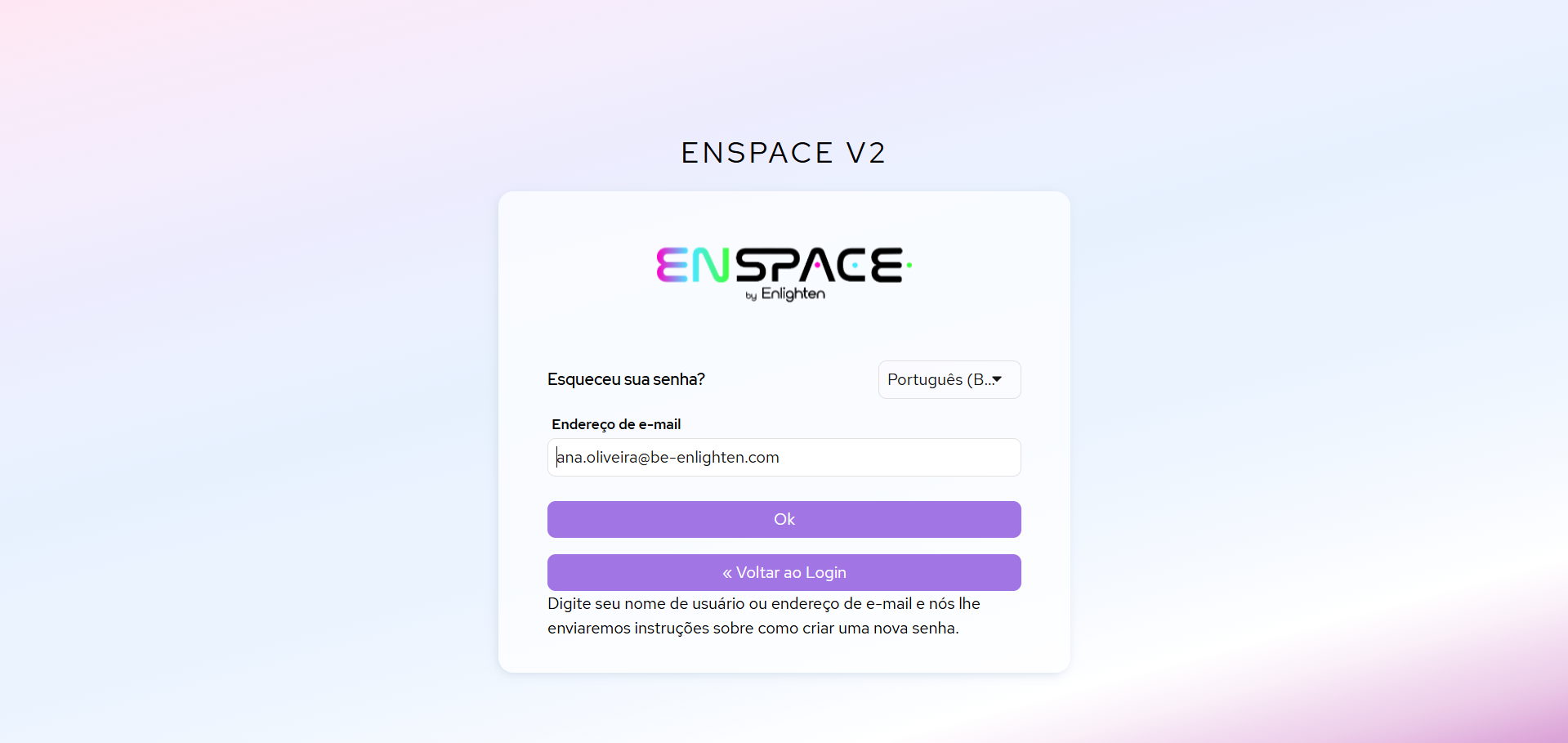
Teve algum problema?
Se houver algum problema com a recuperação ou outras dificuldades para acessar sua conta, entre em contato com o suporte ENSPACE por e-mail: