Access Recovery
Recover your access to ENSPACE
If you forgot your password or are having trouble accessing your account, ENSPACE provides a recovery flow directly from the login screen.
How to recover your password
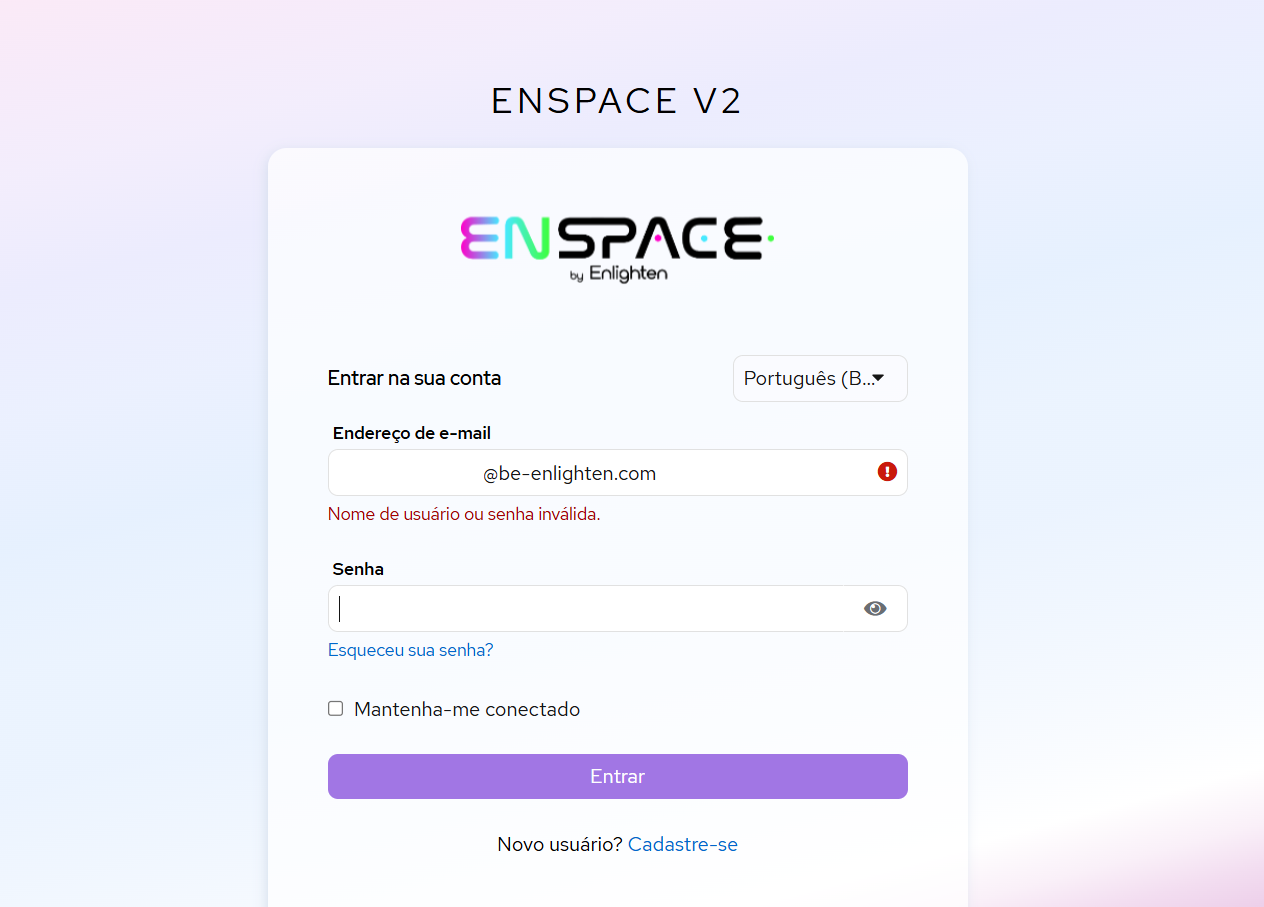
Access the login screen
Go to be.enspace.io and click on "Forgot your password?".
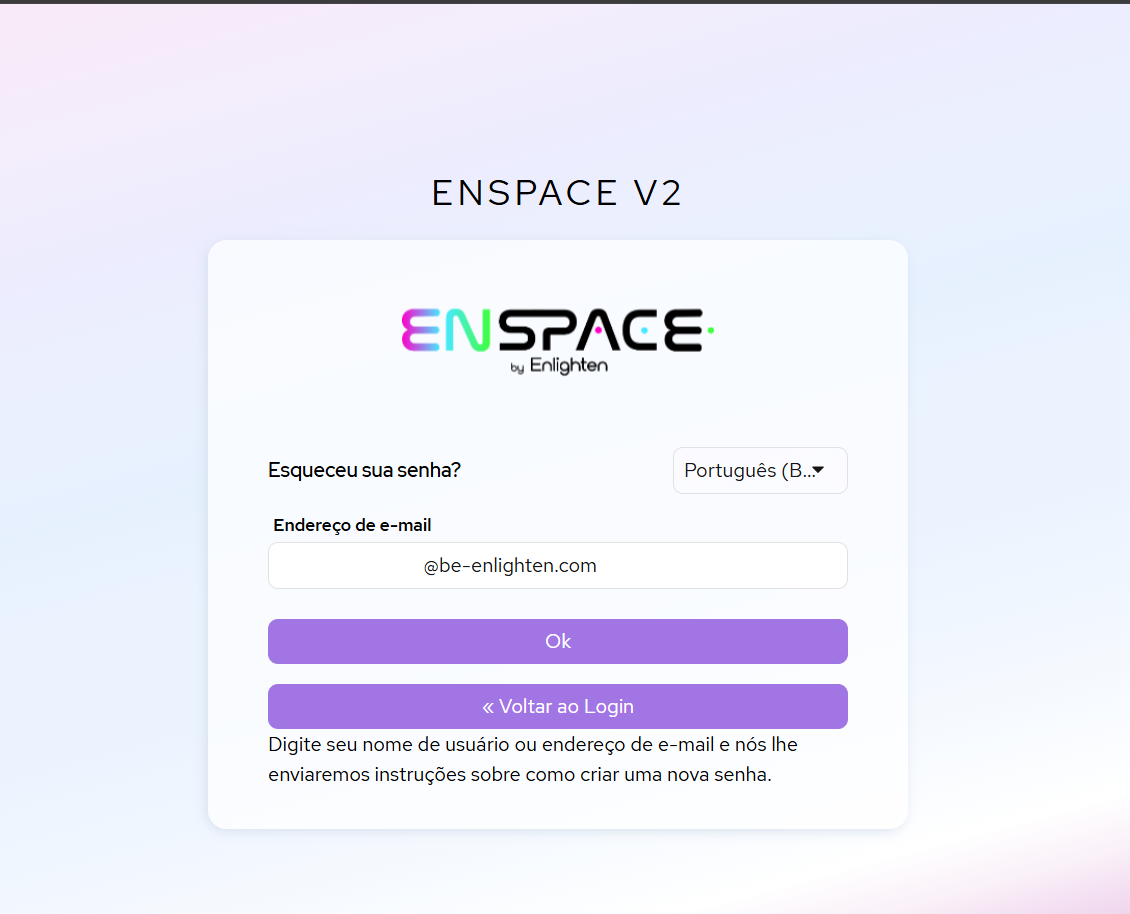
Enter your email
Type the email associated with your ENSPACE account.
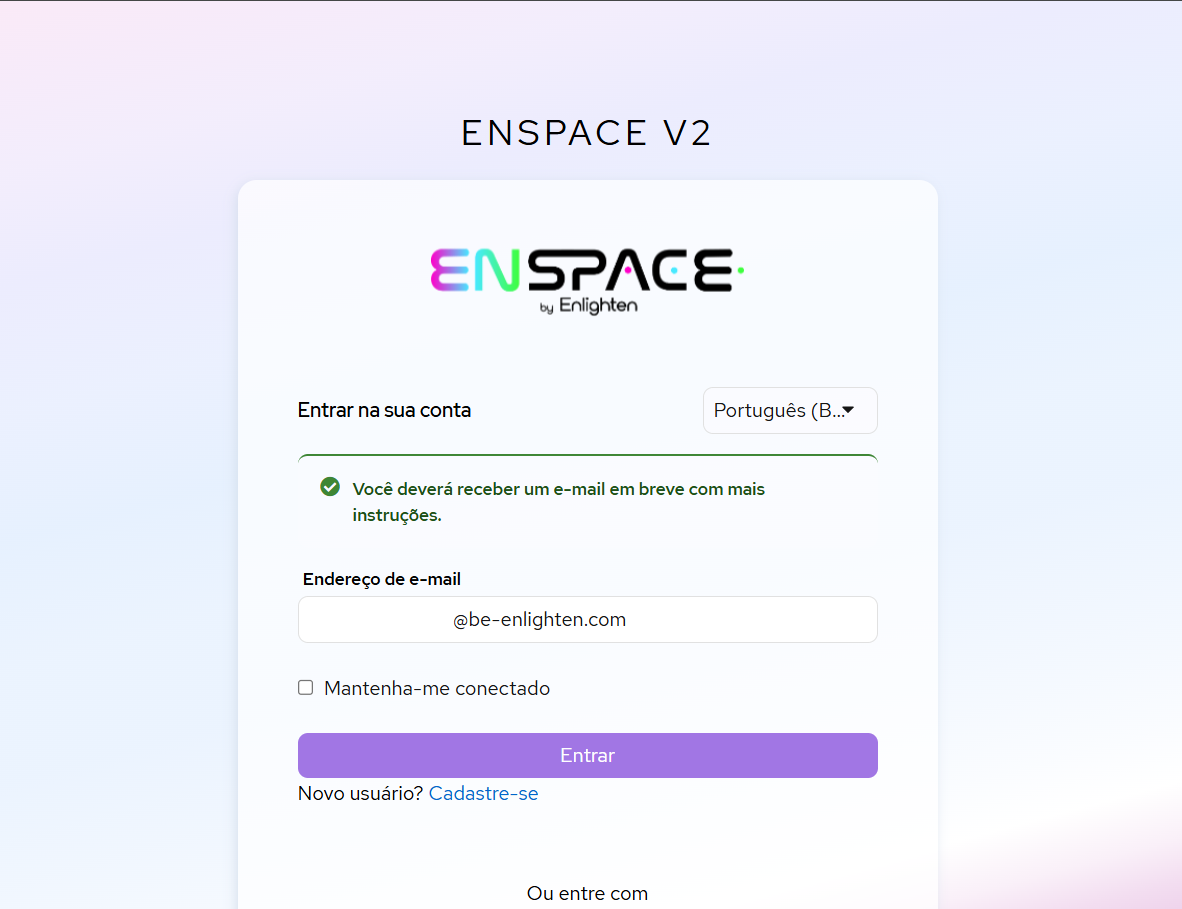
Check your inbox
You will receive an email with a link to reset your password.
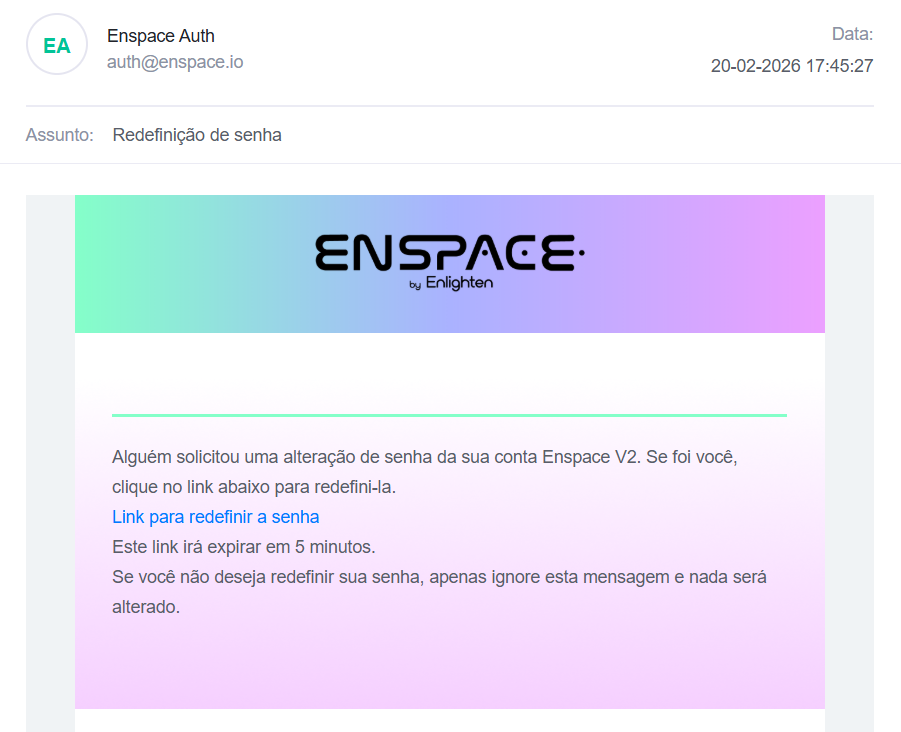
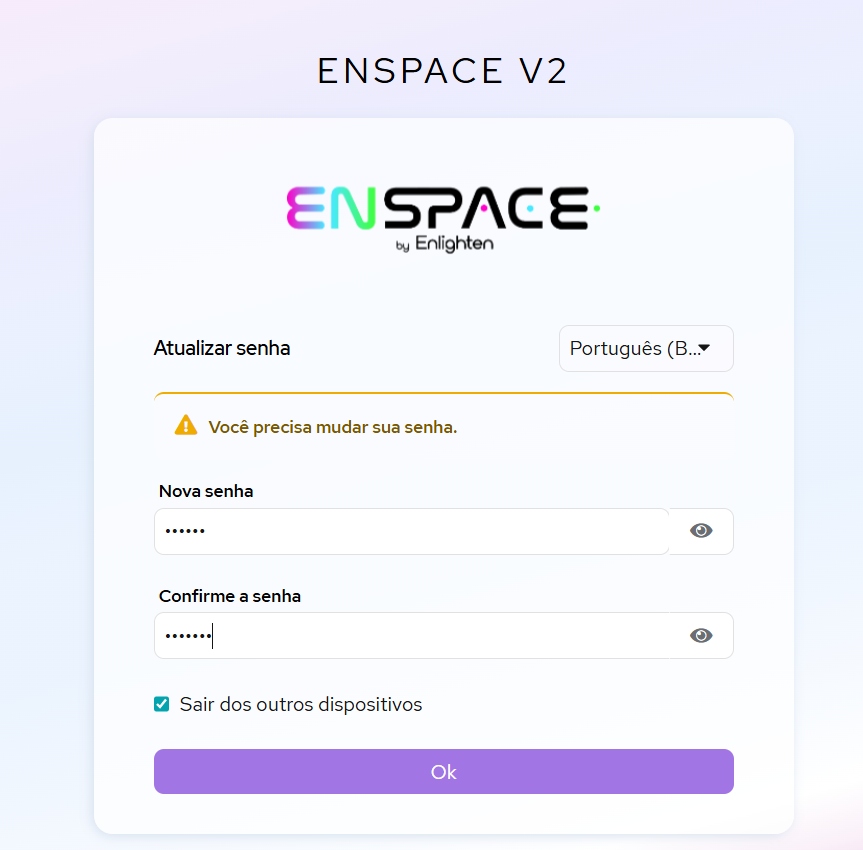
Set a new password
Click the link received and create a new password.
Access your account
After resetting your password, log in normally with your new credentials.
Problems with recovery?
If the flow above does not resolve your issue — for example, if you do not receive the recovery email or do not remember which email you used during registration — contact support:
Send an email to suporte@enspace.io describing the issue. Include the email you believe is associated with your account to speed up assistance.