1.0.0 is live


RELEASE NOTES
1. New Features
1.1 Beni AI: Beni now has its own app
Beni now has an app of its own. Instead of opening the full ENSPACE, you enter a dedicated screen, sign in and land straight in the conversation with Beni, with the same assistant and the same resources you already use inside the product. On the web, it is available at its own address, beni.enspace.io.
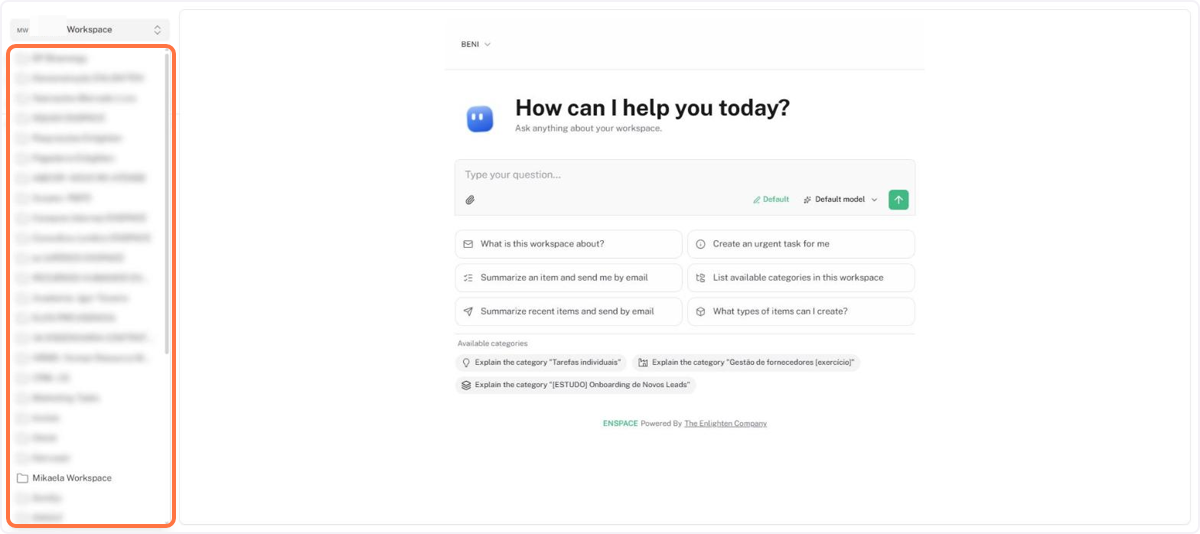
The biggest gain is having all your workspaces in one place. Using the selector in the top-left corner, you switch workspaces without leaving the conversation, and Beni then answers and acts within the chosen workspace, respecting your permissions. For anyone who takes part in several environments, it is the fastest way to jump from one to another.
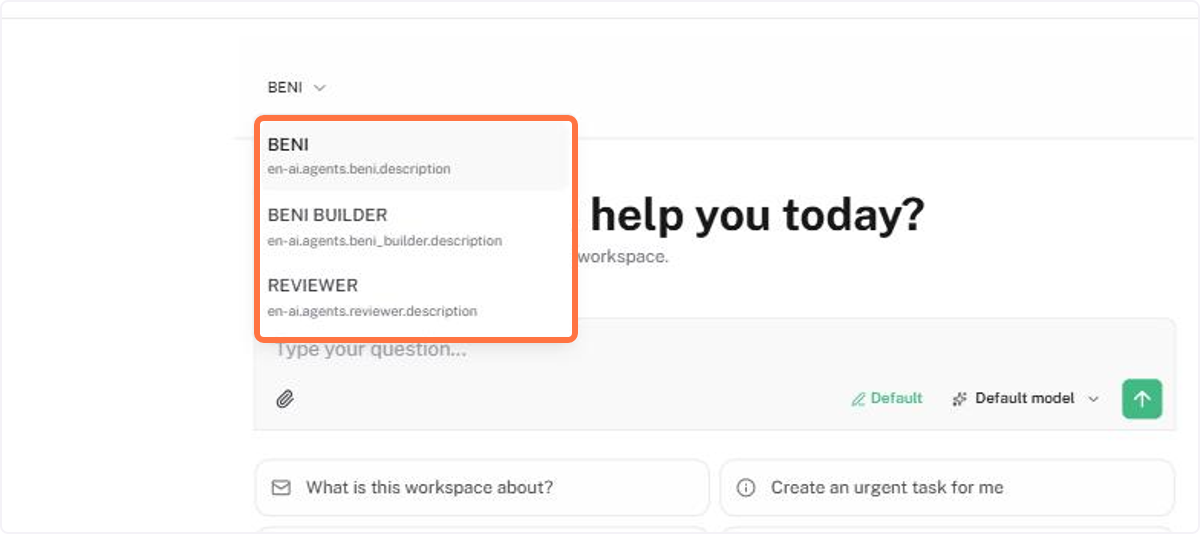
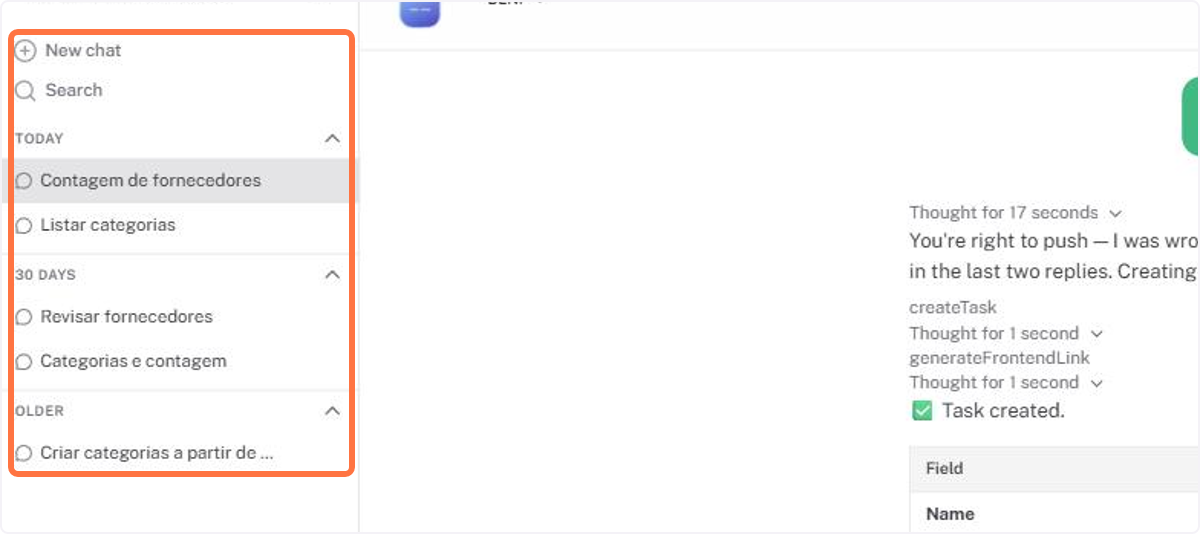
And it is not just asking. Through the conversation, Beni queries the workspace data, summarizes items, lists categories and item types, creates tasks and items, among other functions, just as it would inside ENSPACE. You also choose the agent and the AI model, attach files and return to previous conversations from the list on the left, with history search.
📋 Step by step: start using the Beni app
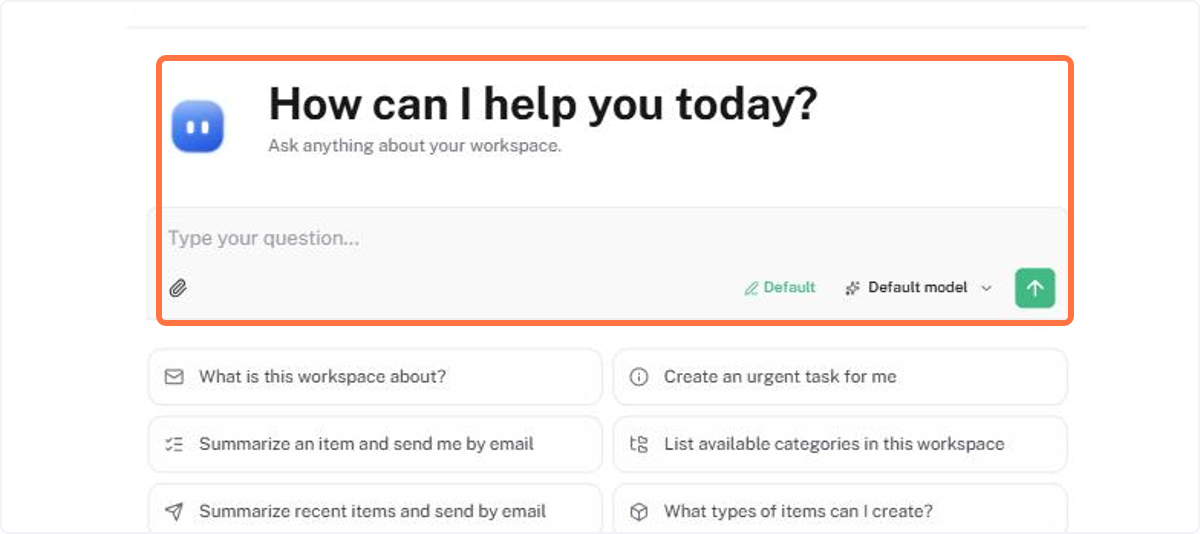
Opening the Beni app in your browser, start interacting with the chat
In the selector in the top-left corner, choose the workspace you want to work in
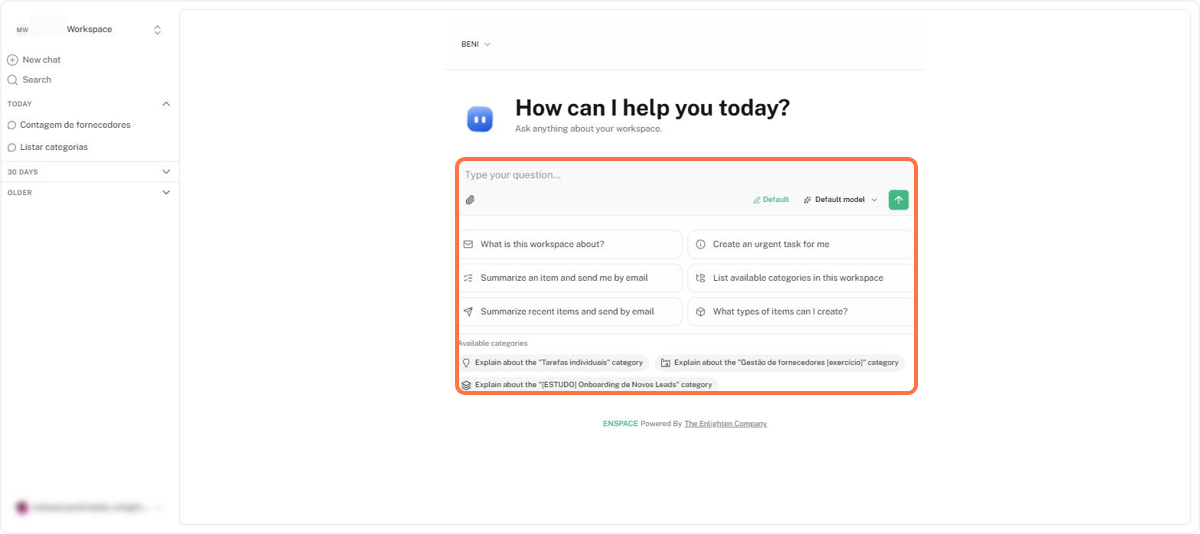
Type your question or use one of the suggestions for Beni to query, summarize or create something in the workspace
If you want, switch the agent or the AI model before sending the message
Return to a previous conversation from the list on the left, using search when needed
🗺️ Guided navigation: Beni app
Important:
You can navigate by clicking the areas circled in orange or using the arrows in the bottom right corner of the interactive area.
Want to learn more about the Beni app? See the documentation.